Read offline
Keep Scripture available for reading after the app has completed its first setup.
Official Android Bible app
Luganda Audio Bible Offline, also known as Biblia ya Luganda, lets you read and listen to Scripture in Luganda, English and Swahili.
Scripture in your language
Created for Luganda-speaking readers in Uganda and worldwide, Luganda Audio Bible brings reading and listening together in one clear Android experience. Use Luganda for personal devotion, then move to English or Swahili when a second language helps with study, church or family discussion.
The app is designed for daily use at home, while travelling and in places where a dependable internet connection is not always available.
Made for everyday Bible study
Keep Scripture available for reading after the app has completed its first setup.
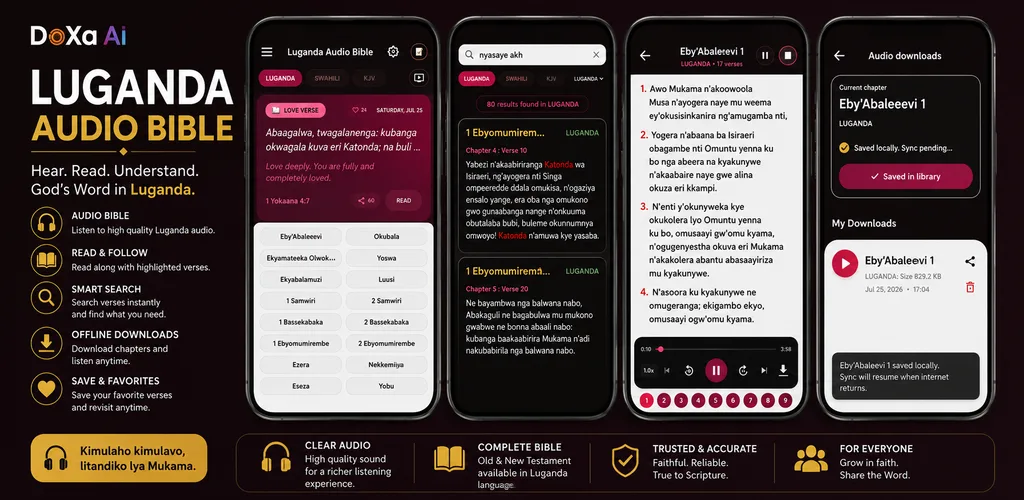
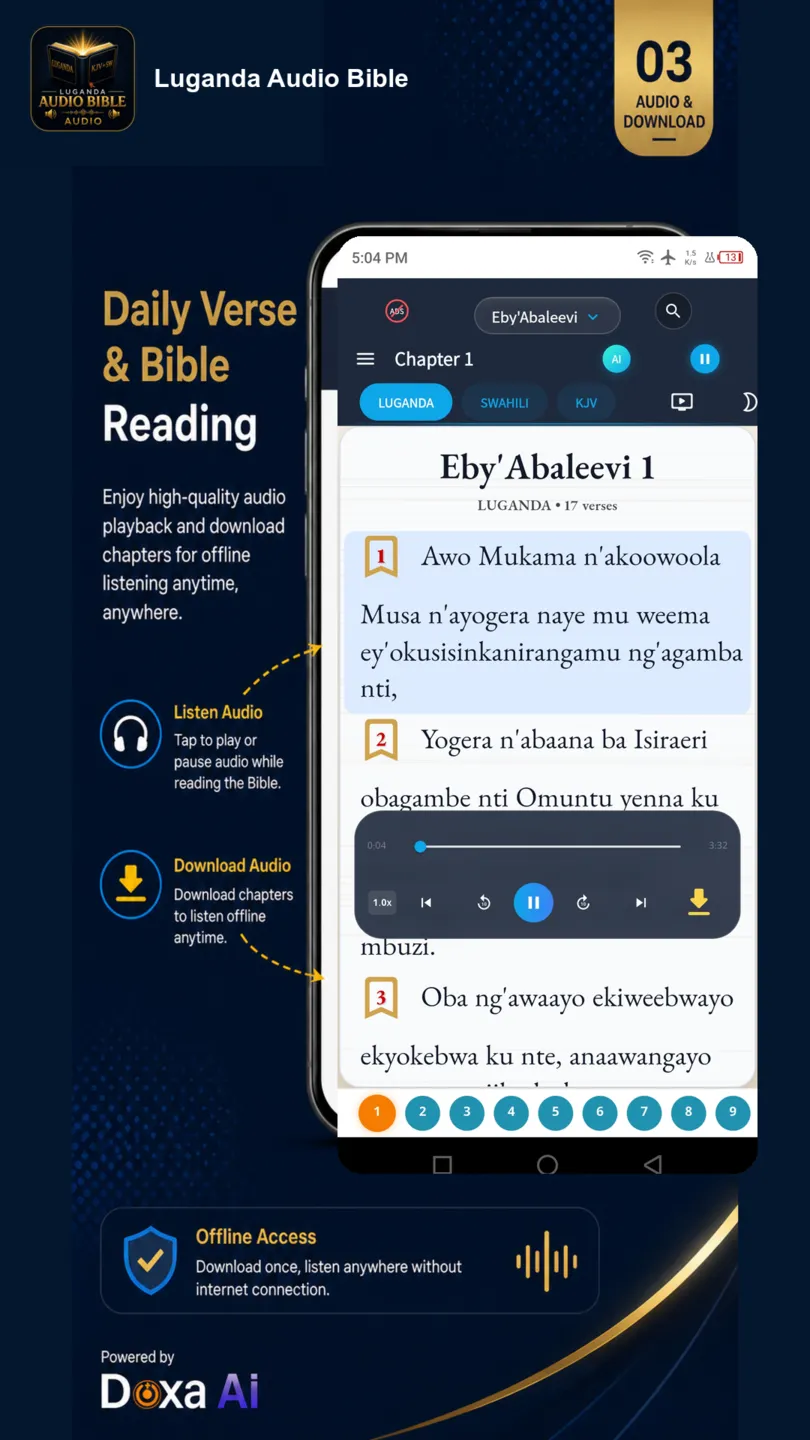
Follow the Bible text while using the app's audio player and downloaded chapters.
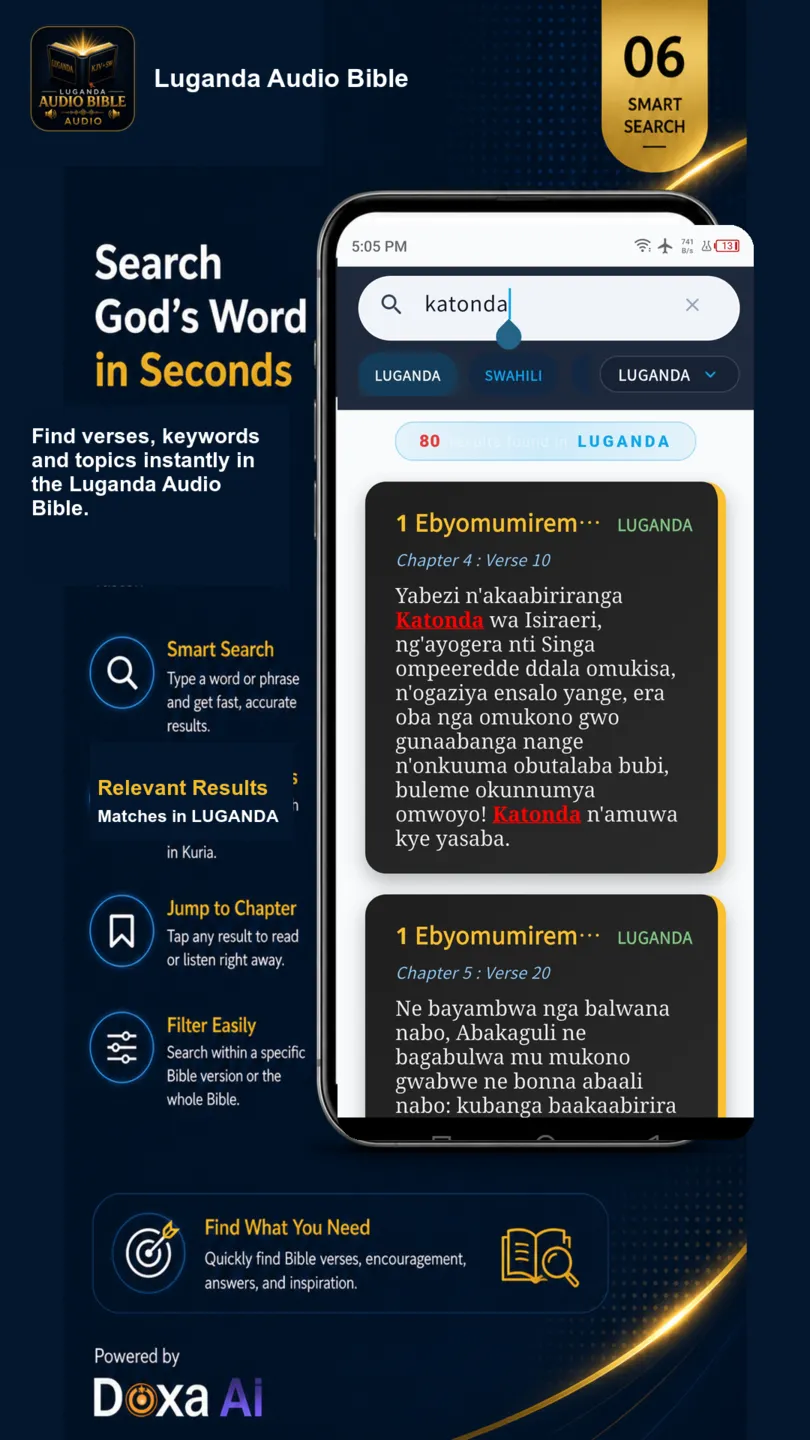
Search Scripture, add bookmarks, keep notes and return to important passages.
Study in Luganda and use English or Swahili whenever comparison helps.
Real app screens
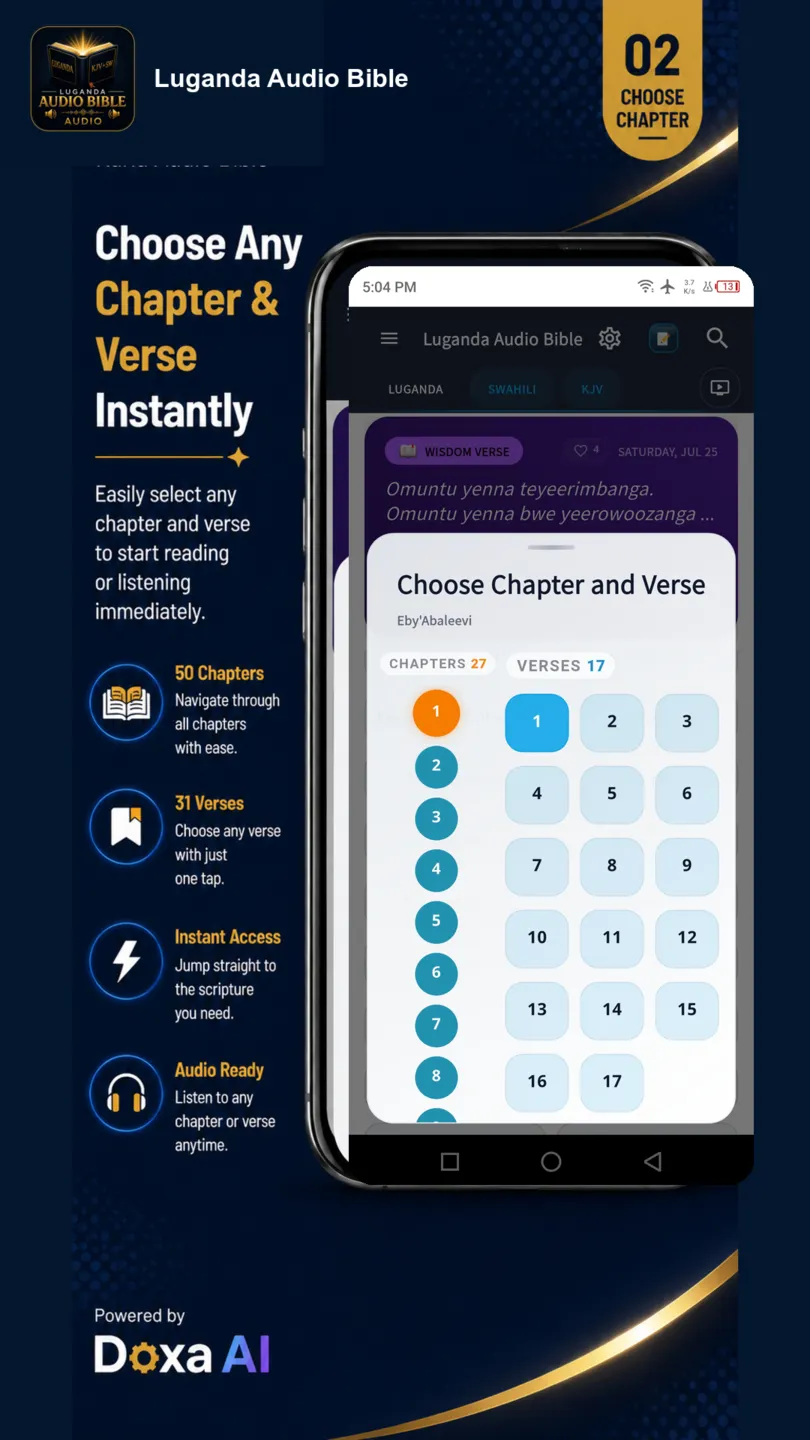
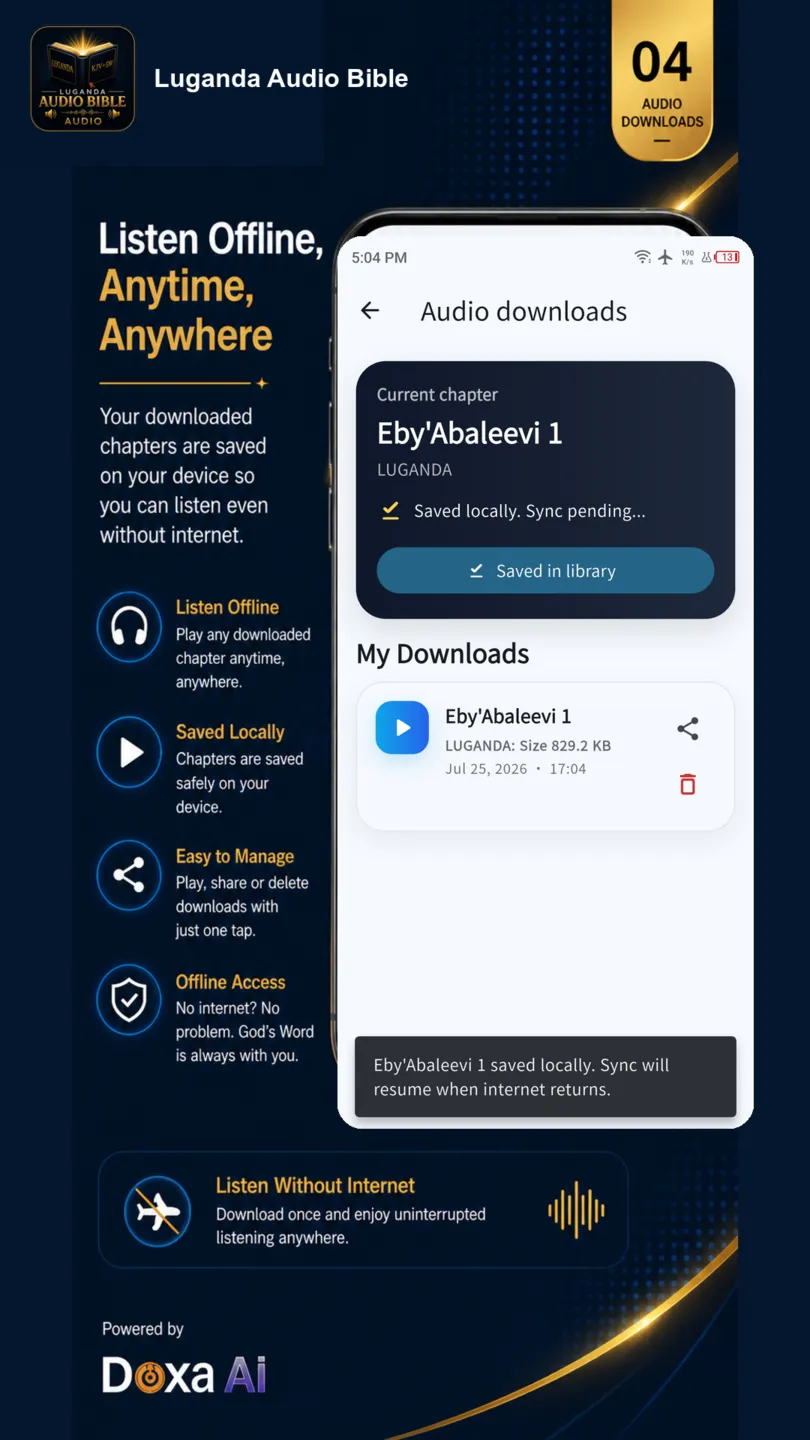
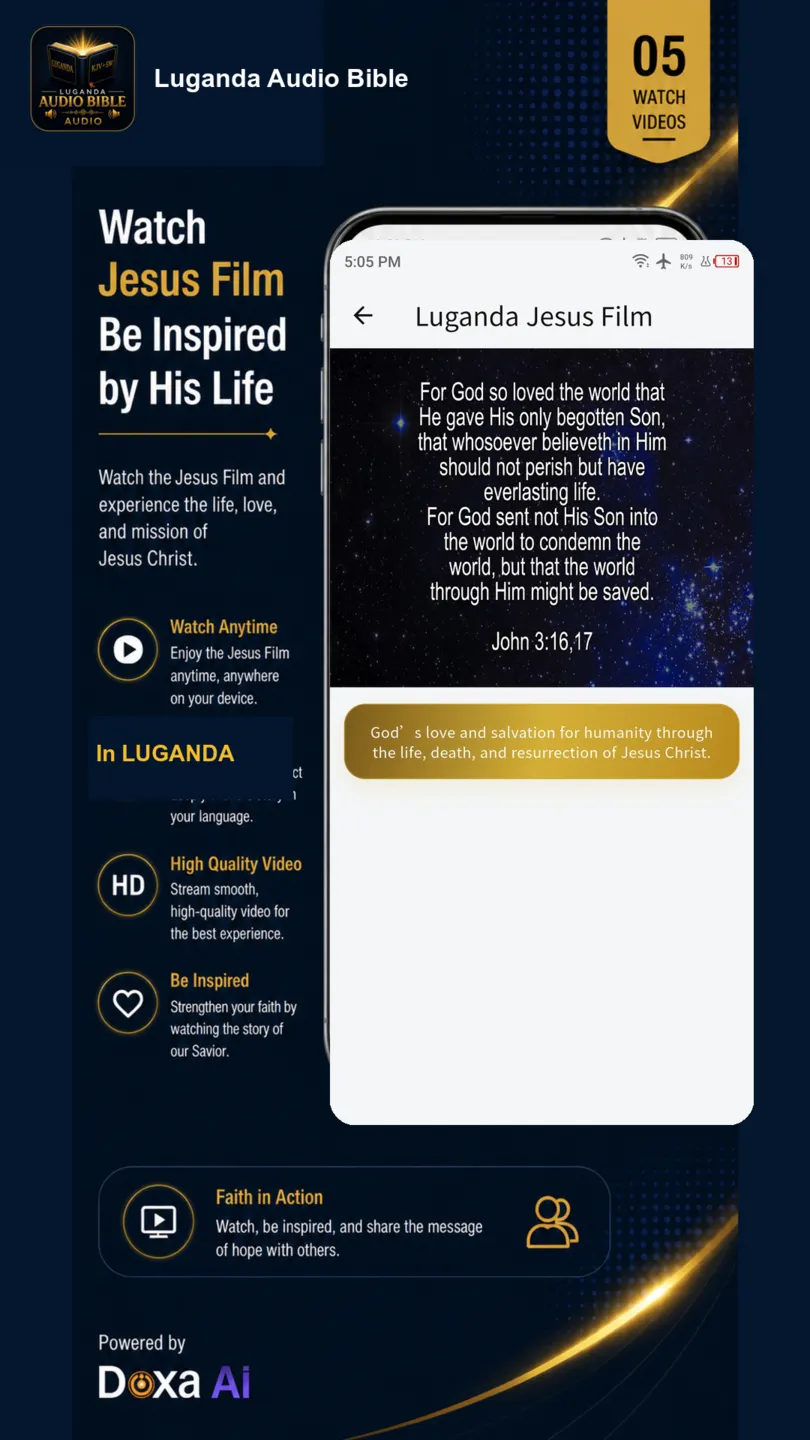
Swipe or scroll to explore the reading, audio, download, video and search screens.
Phone and tablet
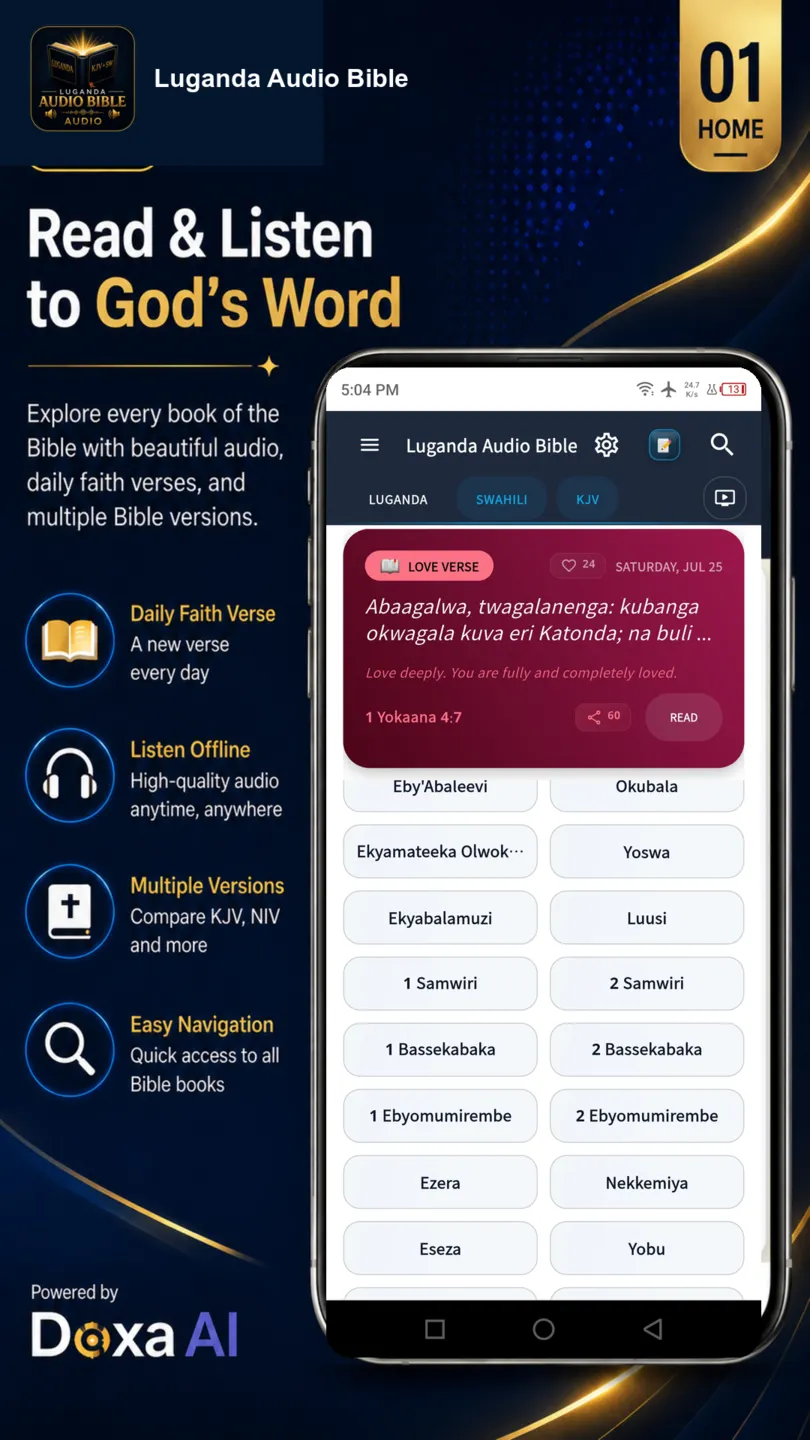
The same Luganda Bible experience is presented for wider screens, making it useful for family reading, church study and longer listening sessions.
Open the official Google Play listing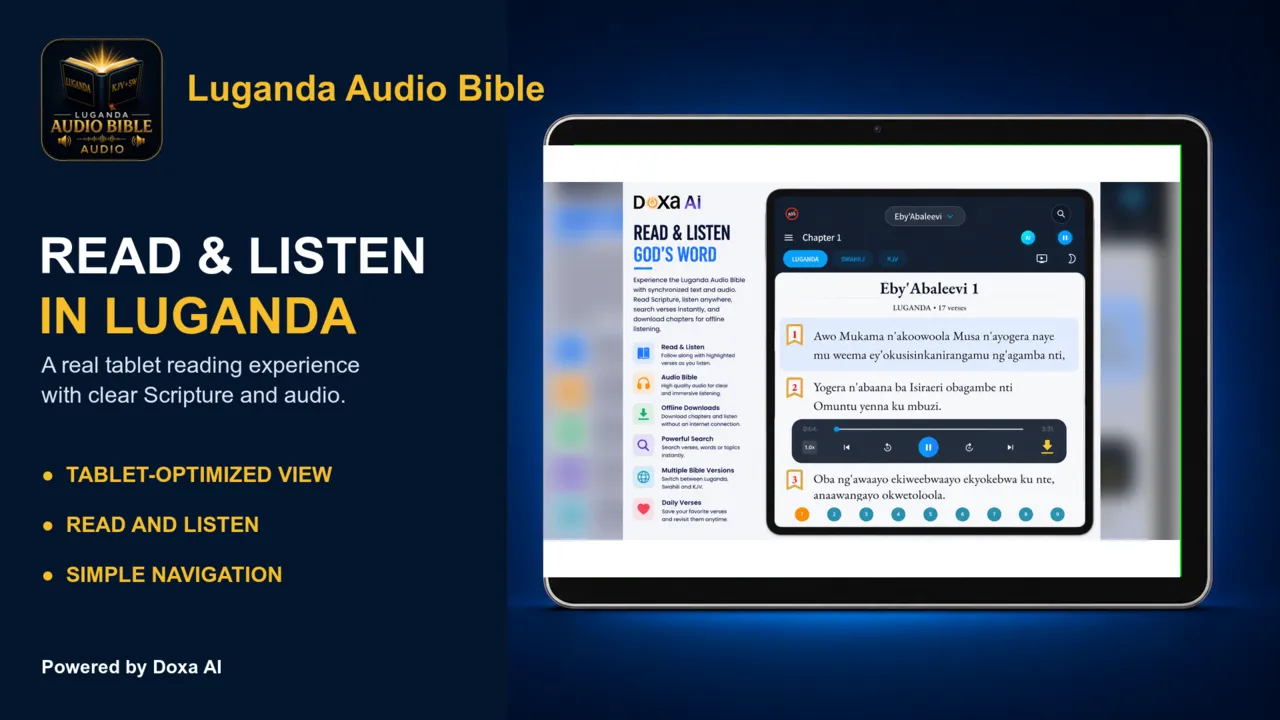
Helpful answers
Install only from the official Google Play listing linked on this page.
It is an Android Bible app for reading and listening to Scripture in Luganda, with English and Swahili support for reference and study.
The app is designed for offline Bible reading after the first setup. Audio must be prepared or downloaded through the app before it can be used offline.
Install it from the official Google Play listing for com.luganda.bible using the button on this page.
Yes. The reading experience includes Luganda, English and Swahili so users can study across the supported languages.
Start reading today
Read and listen in Luganda, English and Swahili on your Android phone or tablet.
This preview plays Genesis 1 from the local app audio file. Install Luganda Audio Bible to choose the next or previous chapter, download audio and listen offline.